

A thumbnail is one of the most important elements of your YouTube video — often more important than the title. A strong thumbnail increases your click-through rate (CTR) and helps your videos rank faster and get more views.
This article covers the best thumbnail tools for all skill levels — from beginners to pro designers.
🎯 What Makes a Great Thumbnail?
Before we list tools, remember these essentials:
✔ Clear, big text
✔ High contrast colors
✔ One main focal image or emotion
✔ Easy to read on small screens
✔ Matches video content
Now let’s look at the top tools to make such thumbnails.
🆓 Free Tools – Best for Beginners
🟦 Canva Free


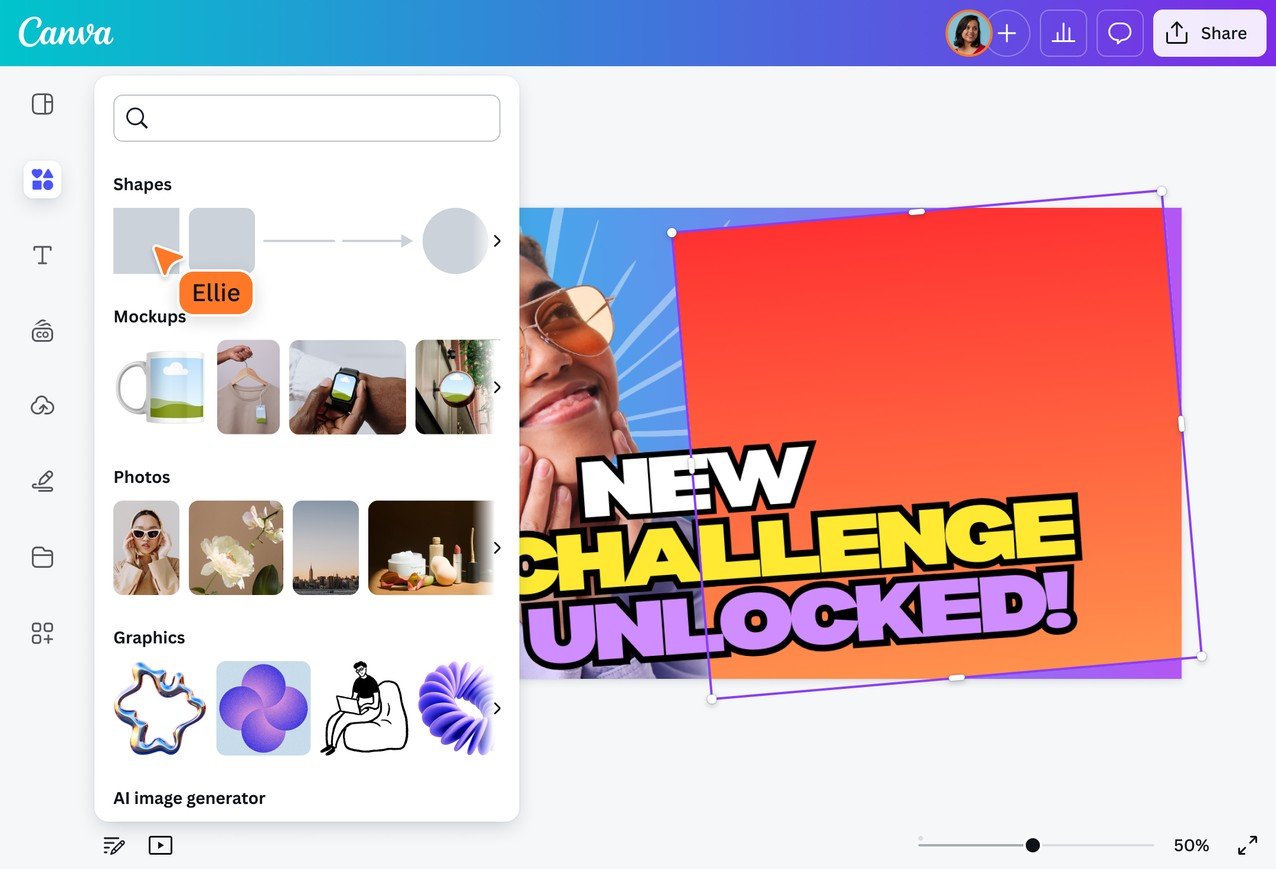
Why it’s great:
-
Hundreds of YouTube thumbnail templates
-
Drag-and-drop interface
-
Free graphics, fonts, and filters
-
Works on web & mobile
Pros:
✔ Easy to use
✔ No design skill needed
✔ Fast results
Cons:
❌ Some premium graphics are paid
📌 Best for: Beginners and casual creators
🟦 Adobe Express (Free Plan)
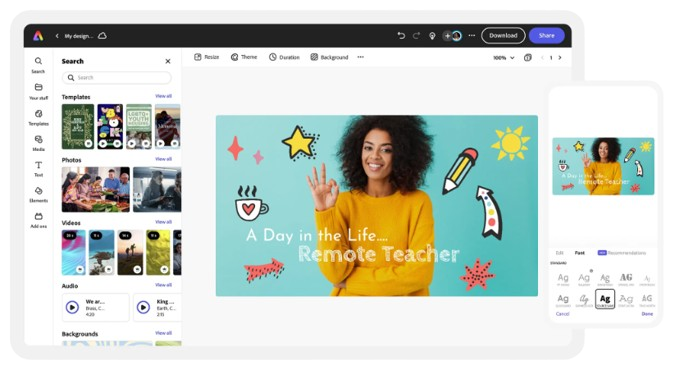


Why it’s great:
-
Simple Adobe-powered design tool
-
Free templates & customization
-
Integrates with stock visuals
Pros:
✔ Easy interface
✔ Good for quick thumbnails
✔ Free plan available
Cons:
❌ Limited advanced features in free tier
📌 Best for: Quick and clean thumbnail designs
🎨 AI-Assisted Thumbnail Makers
🤖 Canva AI (Magic Design)

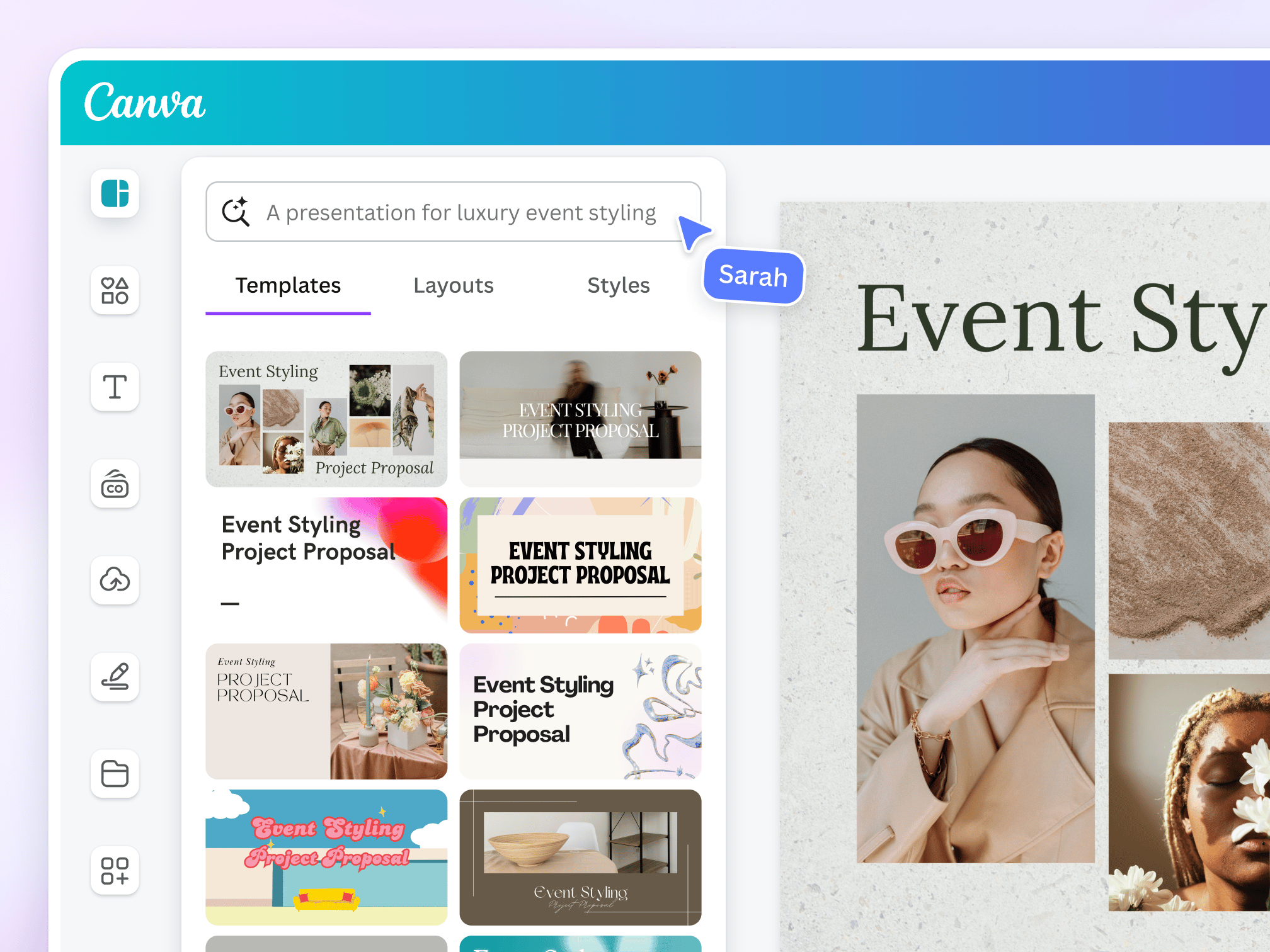

Why it’s great:
-
Generates thumbnail designs based on your text prompts
-
Suggests layouts & visuals
-
Speeds up creative process
Pros:
✔ Saves time
✔ Creative suggestions
✔ Beginner friendly
Cons:
❌ Requires refinement for best results
📌 Best for: Fast thumbnail ideas and design inspiration
🤖 Picmaker AI Thumbnail Creator
Why it’s great:
-
AI-powered suggestions optimized for CTR
-
Ready-made templates tailored for YouTube
Pros:
✔ AI designs based on niche or topic
✔ Good for faceless creators
✔ Export options included
Cons:
❌ Some premium features need a paid plan
📌 Best for: Creators who want targeted thumbnail designs
✨ Advanced Tools for Pro Designs
🟧 Adobe Photoshop


Why it’s great:
-
Full design control
-
Professional-level editing tools
-
Unlimited creative possibilities
Pros:
✔ Best for custom designs
✔ Industry standard
✔ Layers, masks, effects
Cons:
❌ Steep learning curve
❌ Paid subscription
📌 Best for: Advanced designers & professional creators
🟩 Affinity Photo
Why it’s great:
-
Powerful alternative to Photoshop
-
One-time purchase
-
Professional editing capabilities
Pros:
✔ Affordable
✔ Pro features
✔ Great performance
Cons:
❌ Learning curve
📌 Best for: Intermediate to advanced creators
🪄 Quick & Simple Tools for Mobile
📱 PicsArt (Mobile)
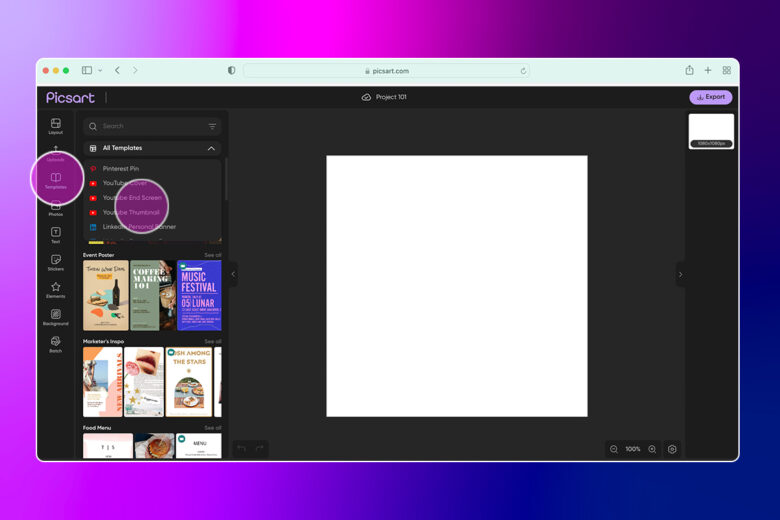
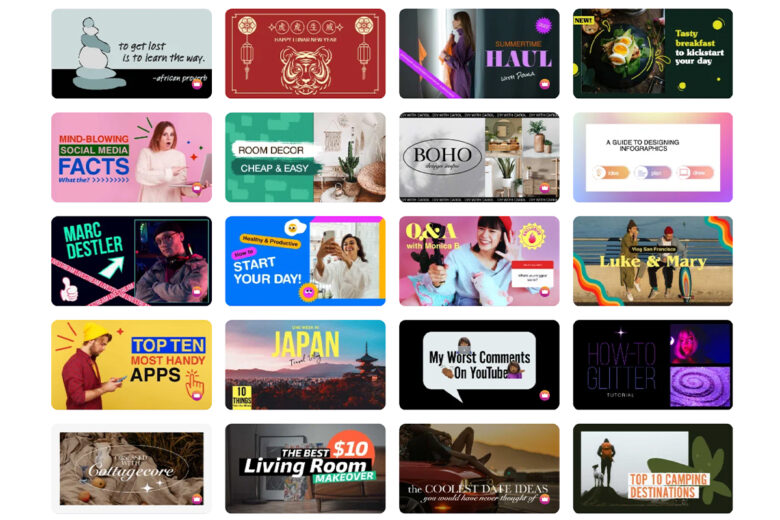
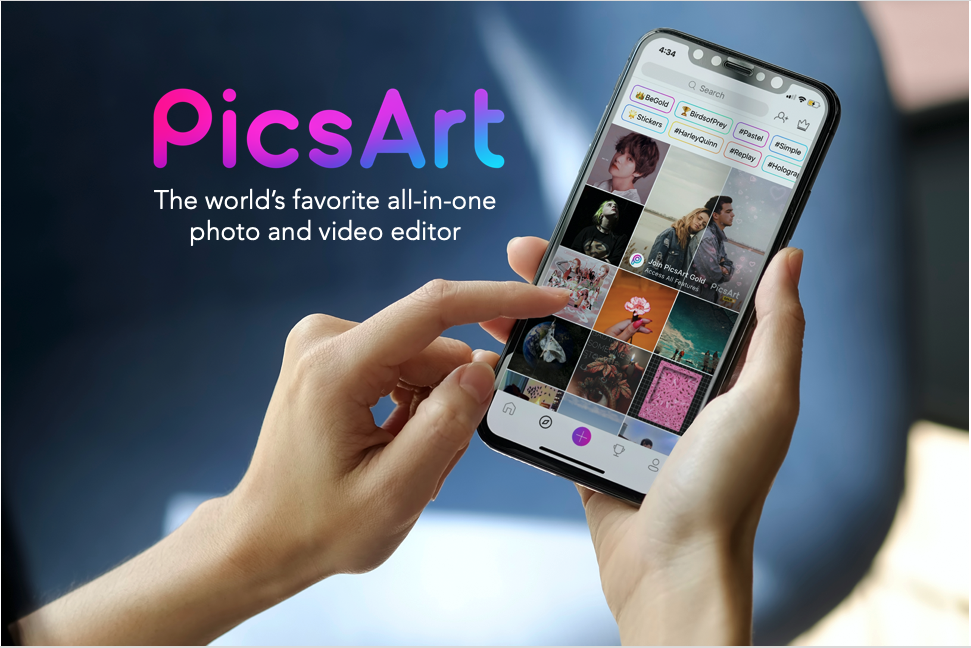
Why it’s great:
-
Mobile-friendly
-
Quick edits on the go
-
Ready stickers, fonts & backgrounds
Pros:
✔ Handy for mobile creators
✔ Easy to use
✔ Creative tools
Cons:
❌ Free plan includes ads and watermarks
📌 Best for: Quick mobile thumbnail edits
📱 Snapseed (Mobile)
Why it’s great:
-
Powerful photo editor owned by Google
-
Precise enhancements & color control
Pros:
✔ Pro-level adjustments
✔ Free to use
Cons:
❌ No built-in templates
📌 Best for: Improving images before thumbnail creation
🔁 Workflow Tips for Better Thumbnails
Here’s a repeatable process you can follow:
-
📌 Pick a strong frame or screenshot
-
📝 Add a clear headline (2–4 words)
-
😃 Use big readable text
-
🎨 Choose high contrast colors
-
👁 Add visual cues (faces, arrows, emojis)
📌 Recommended Tools by Skill Level
| Skill Level | Best Tools |
|---|---|
| Beginner | Canva Free, Adobe Express |
| AI-Assisted | Canva AI, Picmaker |
| Pro | Adobe Photoshop, Affinity Photo |
| Mobile | PicsArt, Snapseed |
🏁 Final Thoughts
Your thumbnail is the first impression — and often the deciding factor for whether someone clicks or scrolls past your video.
Whether you’re just starting or you want professional-level graphics, the tools above will help you make eye-catching thumbnails that boost CTR and improve ranking.